
How to choose
Where does your route come from?
Drawn by you, recorded by a tracker, or read from your photos. That narrows it to two or three apps.
What do you need besides the video?
A trip page, an itinerary, a printed book or nothing else. The apps differ most here.
Where will you make it?
Most are phone apps. Troven runs in the browser today, with iOS and Android apps launching soon; Mult.dev runs in both.
Check the free tier
Watermarks, resolution and export limits vary. Read the vendor's plans page before you commit.
The short list
| App | Best for | Where the route comes from | Runs on |
|---|---|---|---|
| Troven | Turning trip photos into a video, a map and an itinerary | Your photos’ location and time | Browser today; iOS and Android launching soon |
| TravelBoast | Animated routes with 3D vehicles | Drawn by you, GPX, Google Maps | iOS, Android, Mac |
| Travel Animator | Styled route animations with 3D models | Drawn by you, GPX, Google Maps links | iOS, Android, Mac |
| Mult.dev | Map animations with precise control, pay per pack | Drawn by you, Google Maps; GPX, KML, GeoJSON on Pro | Browser, iOS, Android, Mac |
| Polarsteps | Tracking a trip and printing a travel book | Optional tracker and the steps you add | iOS, Android, web |
| FindPenguins | Free trip blog, flyover video and photo books | Optional tracker, footprints, photo locations you apply | iOS, Android, web |
| Relive | Runs, rides and hikes | Activities you record or sync | iOS, Android |
Troven
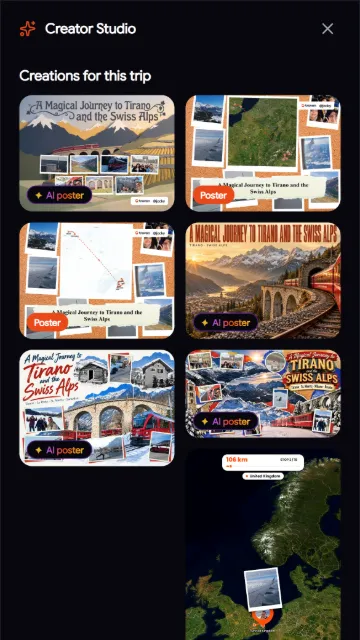
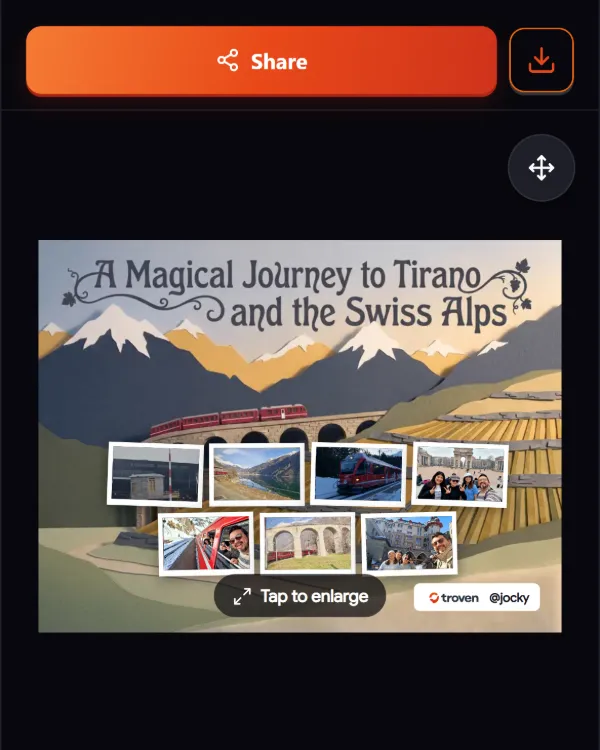
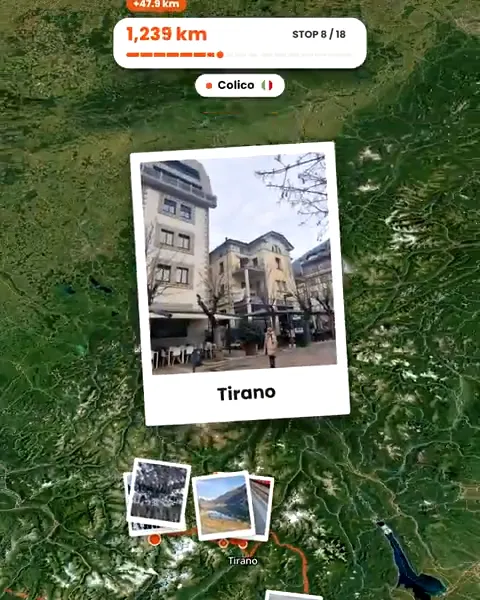
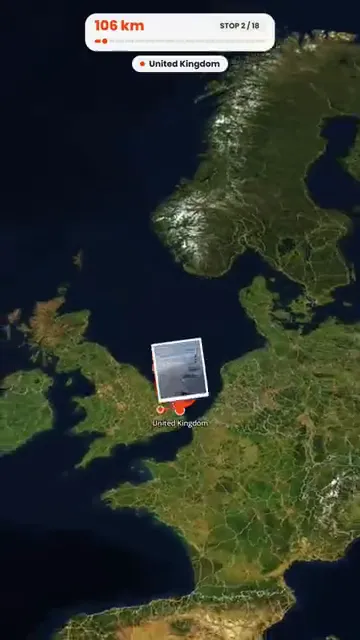
Troven reads the date and location in your trip photos, builds the stops and the route, and animates a vertical route video with your photos at each stop, music timed to the beat and ten map styles. The same trip becomes a public page with an interactive map and a day-by-day itinerary, and you can make AI posters from it. It is free on the web (iOS and Android apps are launching soon) and exports up to 1080p, with the Troven logo in the intro and on the closing card. It needs photos with a location to build the route on its own, and there are no 3D vehicles.
TravelBoast
A mobile and Mac app by Alexsandr Kuznetsov (Urobots GmbH on Android) where you pin stops or import GPX or Google Maps, then animate the route on a 3D globe with a choice of hundreds of vehicles. Photos are added to points by hand. Its subscription removes the watermark and ads and unlocks 4K.
Travel Animator
Lascade’s app for animating routes with 3D vehicle models, text and labels, aimed at Reels and Shorts. You plot stops or import GPX and Google Maps links, and drop photos onto route points. The free plan exports HD with its logo; Pro removes the watermark and adds 4K.
Mult.dev
A map animation tool that runs in the browser and on mobile. You click places on the map or type them, with templates and an AI assistant, and add photos to stops. It sells packs of videos instead of a subscription; the free plan makes five videos at 768x432 with a watermark and up to ten places.
Polarsteps
A trip planner, tracker and journal. Its optional tracker records where you go, you add photos to steps, and Trip Reels turn a trip into a short video (up to 60 seconds, longer if you edit it) on recent phones. It also prints travel books. The core app and Trip Reels are free; Plus adds 3D maps and more styles.
FindPenguins
A free travel blog and tracker. It can make a 3D flyover video of a whole trip, including photos that have a location, and prints photo books. The FindPenguins logo is on the video by default and can be hidden.
Relive
Best known for 3D videos of runs, rides and hikes from recorded activities, rather than multi-stop trips. Photos and music in the video are part of its paid Plus plan.
Also worth a look
- TripReel (iPhone): builds travel recaps from your photos’ location data, on the device.
- PhotoRoute (iPhone): maps trips from geotagged photos; flyover videos are part of Pro.
Sources
Checked on 24 September 2026. Prices and features change; check each vendor’s page before deciding.
- TravelBoast: App Store, FAQ
- Travel Animator: plans, App Store
- Mult.dev: packages, video format
- Polarsteps: Trip Reels, Plus
- FindPenguins: flyover video, free
- Relive: Plus
- TripReel: website; PhotoRoute: website
Questions, answered
Which app makes a route video from photos automatically?
Which one gives the most control over the animation?
Which ones record my route while I travel?
Is Troven biased here?
Your photos already hold the trip.
Upload them and see your route, map and itinerary come together. Free on the web.
Keep reading
 ComparisonTroven vs TravelBoast: which travel route video app fits your trip?TravelBoast animates a route you draw, with 3D vehicles. Troven builds the route from your trip photos and adds a map and an itinerary. How they differ.
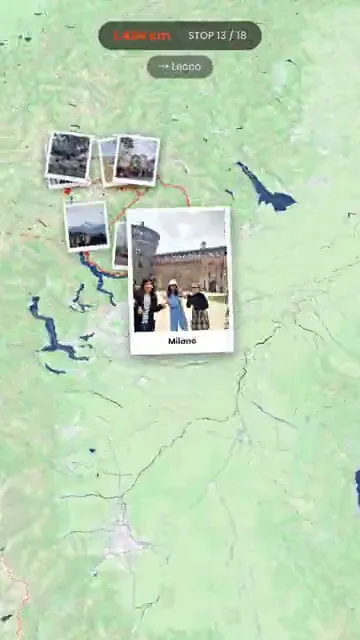 ComparisonTroven vs Travel Animator: which one should you use for your trip video?Travel Animator animates routes you plot with 3D vehicle models. Troven builds the route from your trip photos, with a map and an itinerary. How they differ.
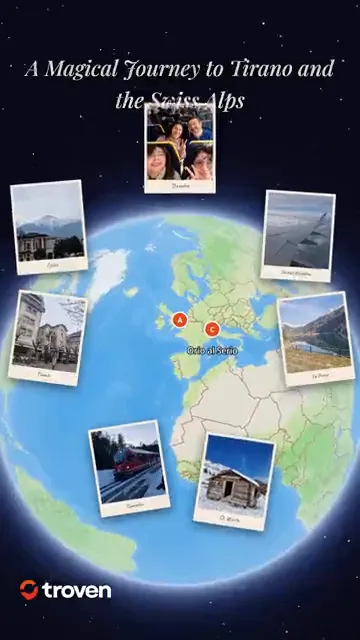 ProductCreate an animated travel route video from your photosTroven turns your trip photos into an animated route video, a map flythrough with your photos and music, ready for Reels, TikTok and Stories. Free.