
How it works
Upload the holiday
Add the photos and short clips from the trip, up to 120. Troven places them on a map in order.
Save the trip
Check the stops and tap Create my video. The trip is saved and the video editor opens.
Pick photos, pace and sound
Up to five photos per stop, the Reel pace, one of ten map styles and a beat-synced song, or your own.
Generate and share
Tap Generate video and it renders in your browser. Share it from your phone or download the MP4, and come back to the trip anytime.
What makes a travel Reel work
- A clear shape. A route video starts on the globe, flies to where you went and moves stop by stop, so viewers follow the trip without captions.
- Short. The Reel pace keeps a 20-stop trip to around 30 seconds. If your trip has many stops, fewer photos per stop keeps it tight.
- Your best moments, not all of them. Pick one or two photos per stop that show the place, plus a clip where something moves.
- Sound. With a track from Troven’s catalogue, the cuts land on the beat.
Choosing the photos
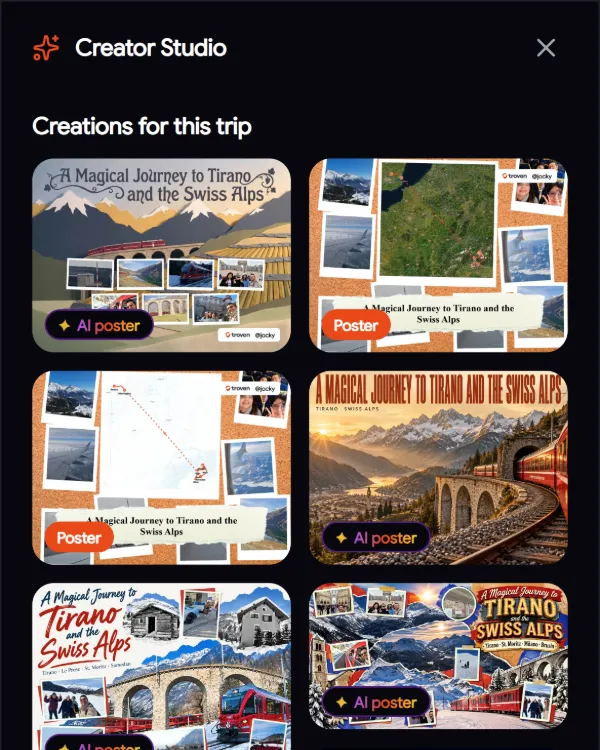
In the Creator Studio you set how many photos each stop shows (from none to five) and which ones. Wide shots of the place work better than close-ups, and a short clip at the stop you loved most gives the Reel a peak. Each photo stays on screen for 1 to 3 seconds; you set how long.
The right size for each place
- Reels, TikTok, Shorts and Stories: keep the default 9:16.
- Instagram feed: export 4:5, which takes more of the screen than a square.
- The caption: name the route (“Milan to St. Moritz by train”) and your favourite stop. The video shows where; the caption says why.
For map styles and the other settings, see the route video maker.
Posting it
On a phone, Share opens your share sheet so you can send the video to Instagram, TikTok or YouTube. On a computer it downloads the MP4. You can also put the video on your trip page, next to the map and your photos, and make the trip public whenever you want to share it.
The Troven logo appears in the intro and on the closing card, which shows the distance you covered and your stops.
Questions, answered
What size is a Reel from Troven?
Can I use my own music?
Can I include video clips?
Do I need an editing app?
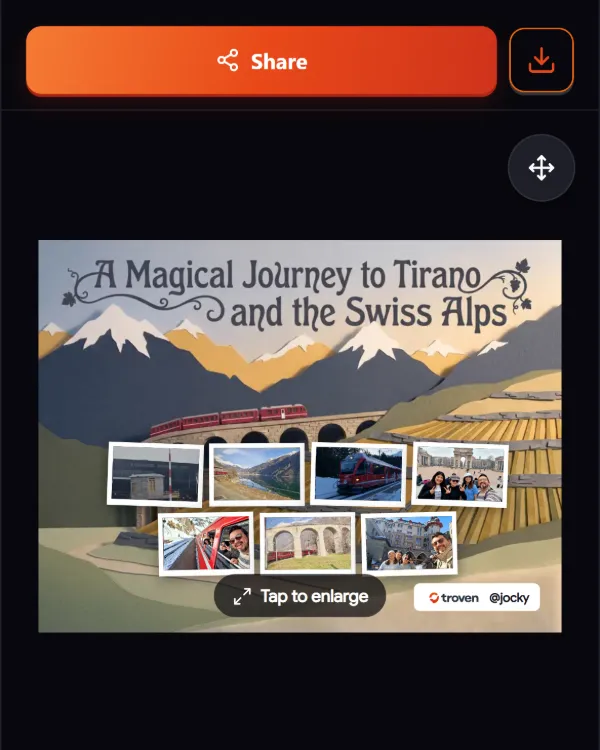
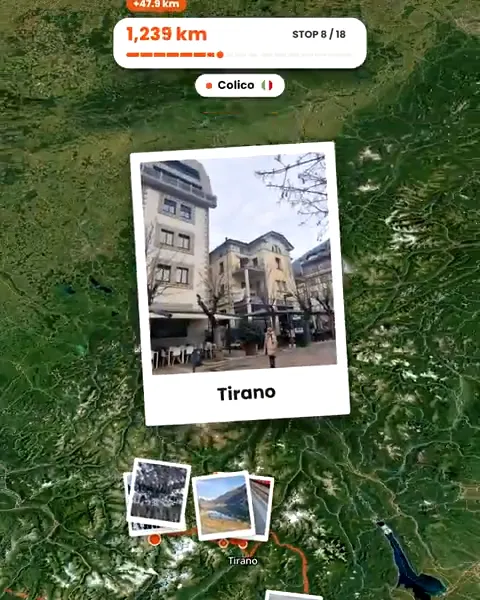
Your photos already hold the trip.
Upload them and see your route, map and itinerary come together. Free on the web.
Keep reading
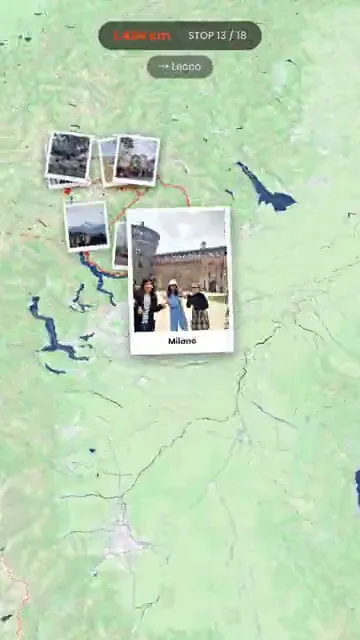 ProductTurn your trip photos into Reels, Shorts and StoriesTurn trip photos into a vertical route video for Instagram Reels, TikTok, YouTube Shorts and Stories, plus AI travel posters, without an editing app.
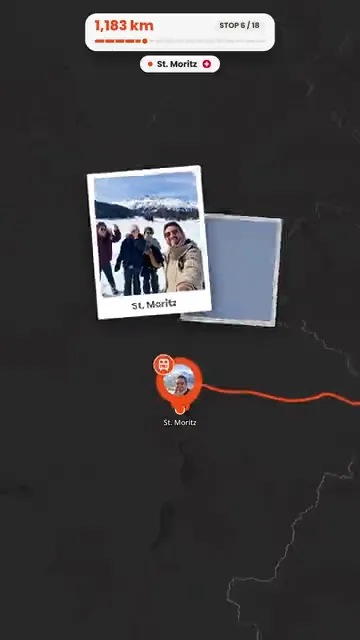 GuideHow to turn travel photos into an animated route videoStep by step, from trip photos to an animated route video for Reels, TikTok or Stories, including photos without GPS and fixing the route first.
 GuideHow to organize hundreds of travel photos and share themCame home with hundreds of photos? Pick the best 120, let Troven turn them into a map, an itinerary and a route video, and share one link instead of an album.