
How it works
Find the originals
Look in your phone's library, cloud backup or camera folders for that trip's files, not copies from chats.
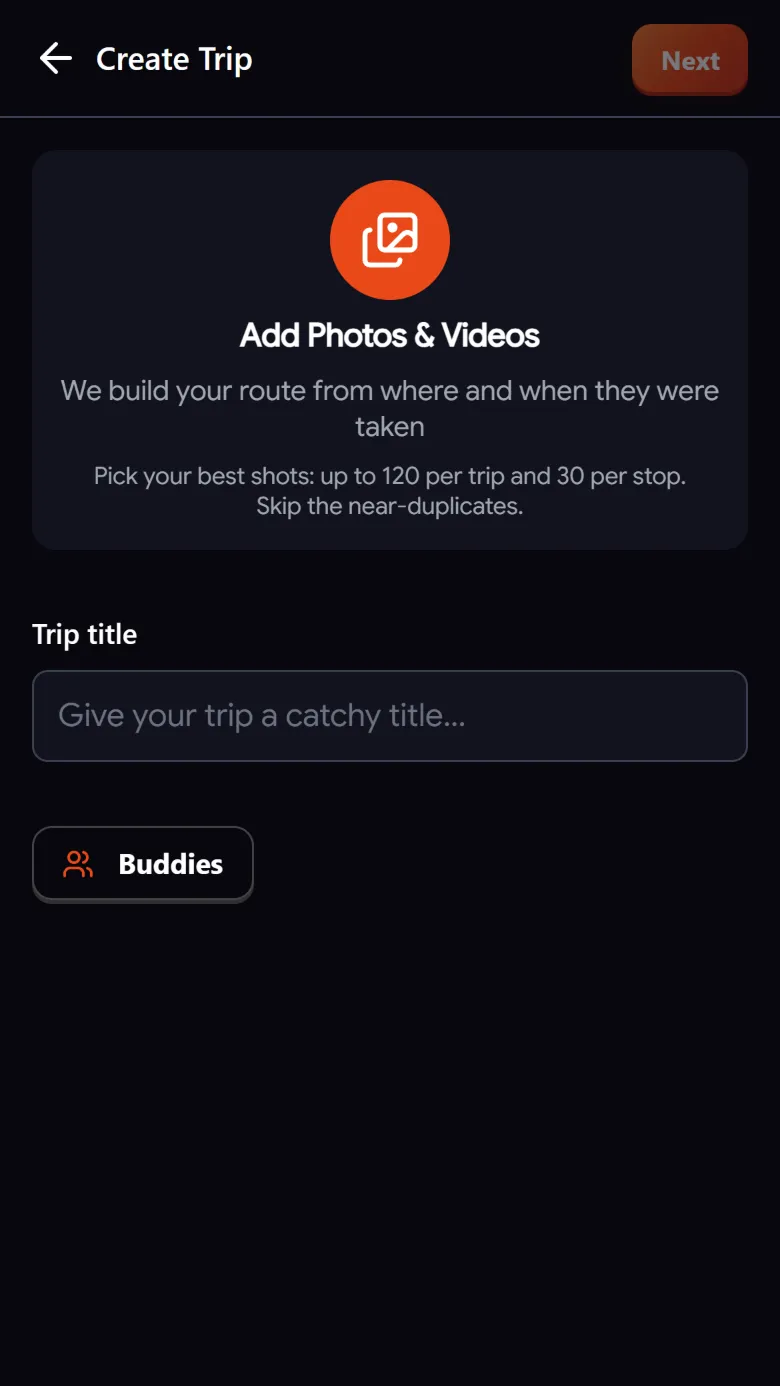
Upload them
Add up to 120 photos and videos. Troven reads the date and the location saved in each one.
Fill the gaps
The AI suggests places for photos without GPS; you confirm them or place them by hand.
Add what you remember
Type or record a voice note with places you visited and tips. They become stops and notes.
Where to find the originals
The date and place of each photo live inside the original file. Copies often lose them. Good places to look:
- Your phone’s photo library, including the albums the phone made for that trip.
- Cloud backups like Google Photos or iCloud, when you download the original files.
- The camera’s memory card or the folder you copied it to.
Photos sent through WhatsApp, Instagram downloads and screenshots usually have no location, and their date is when they were saved, not when they were taken.
On Android, browsers remove the location from photos when you pick them. If you can, copy the originals to a computer and upload them there: desktop browsers keep the location.
How the trip comes back together
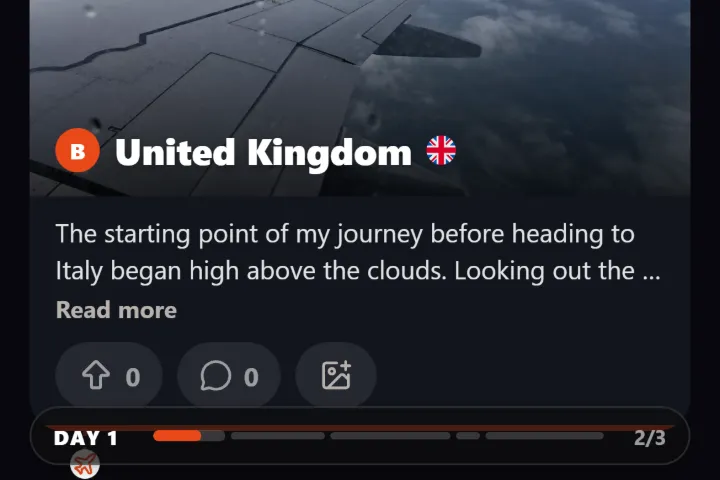
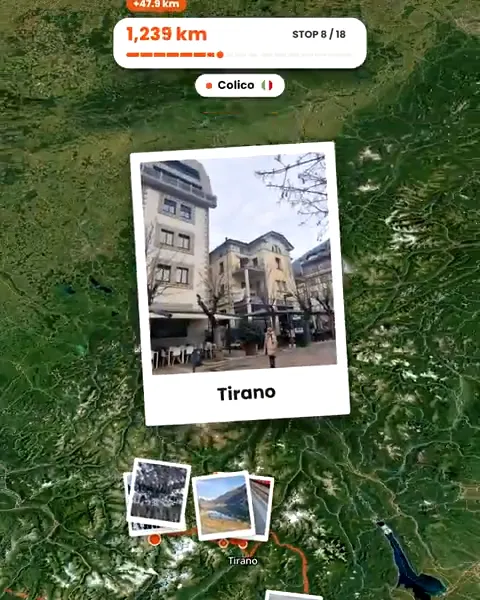
Troven sorts everything by time, turns photos taken close together into stops, names them after the place and groups them into days. Photos without a location but with a time are matched to the stop photographed closest in time, within a few hours on the same day. For the rest, the AI looks at the image and suggests the place when it recognizes it, marking the ones it is unsure about so you can check them.
When the camera clock was wrong
Old cameras often had the wrong date or time zone set. Troven treats photos dated far from the rest of the trip, or in the future, as undated and slots them between their neighbours. Days follow the clock on your camera, so if a whole day looks shifted:
- Change the date of that day.
- Move photos to another day or stop.
- Drag stops back into the order you remember.
When memory has to do the work
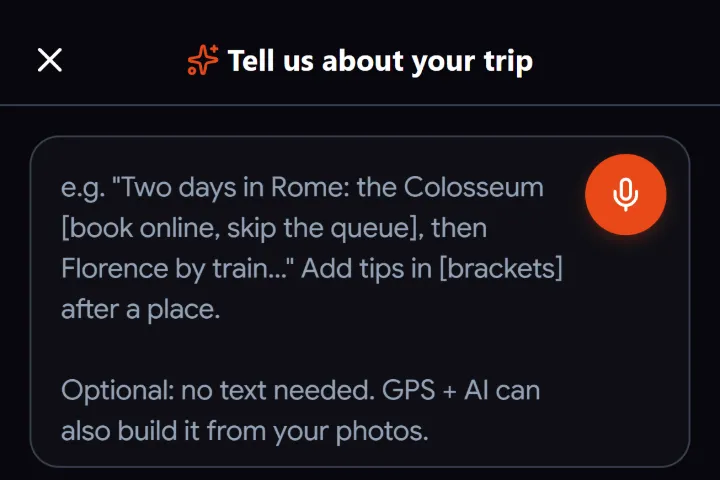
If a trip left few photos, tell it instead. Type or record voice notes of up to a minute each: where you went, in what order, what you would recommend. The AI turns it into stops with descriptions and tips, and adds places you mention but did not photograph. You can also list the places in order with a start date and let Troven lay out the days.
Questions, answered
My old photos have no location. Can I still rebuild the trip?
The dates on my photos are wrong. What happens?
Can I import a route I saved at the time?
Does it matter how old the photos are?

Your photos already hold the trip.
Upload them and see your route, map and itinerary come together. Free on the web.
Keep reading
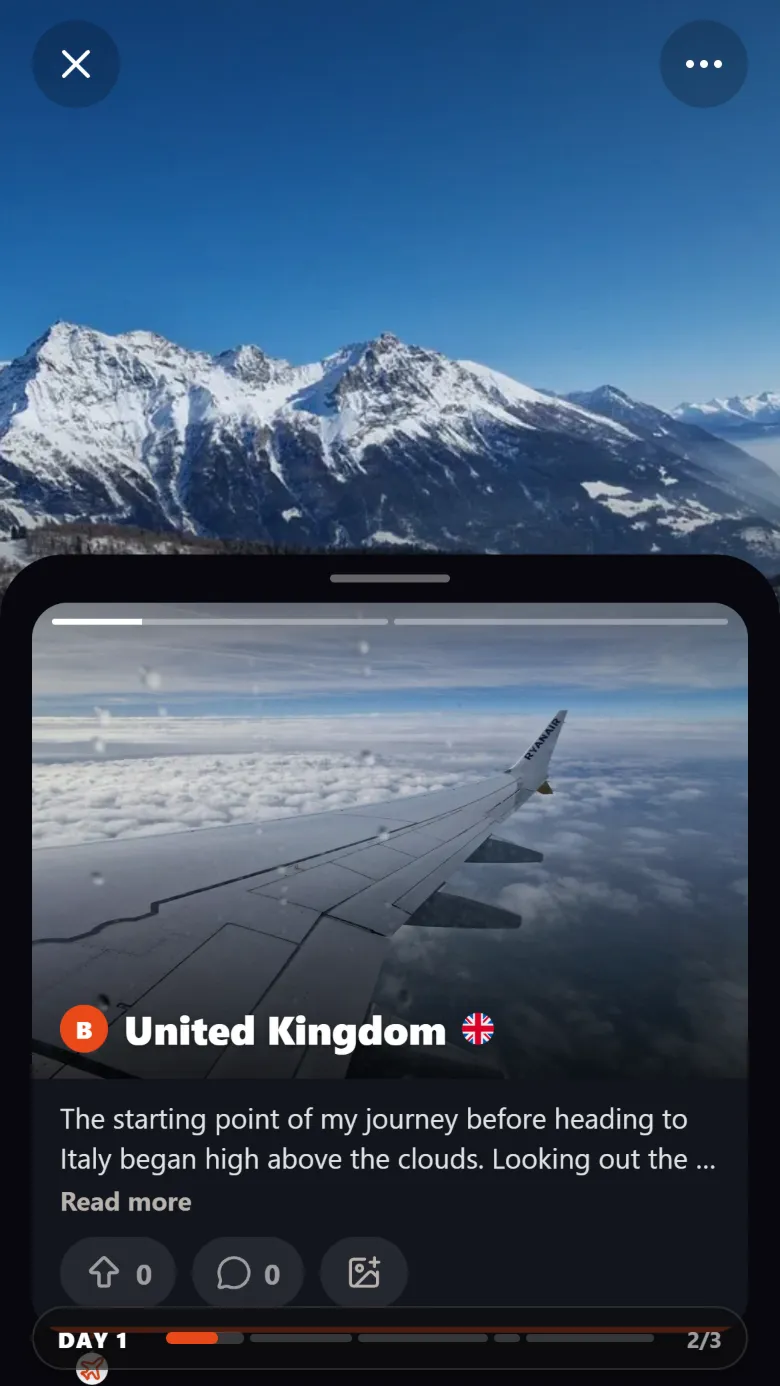 ProductAutomatically rebuild your trip itinerary from your photosTroven rebuilds your trip itinerary from your photos, day by day and stop by stop, with place names, your tips and a story. Edit anything, then share it.
 GuideWhat to do when travel photos have no GPS dataWhy some travel photos have no location, how to check, and four ways to still get them on your trip map, from time matching to AI place recognition.
 GuideHow to build a trip itinerary automatically from photosHow Troven turns your trip photos into a day-by-day itinerary with named stops, your tips and a story, and what to check before you share it.