
How it works
Travel as usual
No app running, no tracking. Just take photos with your camera's location on.
Choose the photos
After the trip, pick which photos to upload. Only the photos you pick are read and uploaded; nothing else on your phone is touched.
Review before publishing
Drafts are only visible to you. Remove stops or photos you do not want on the map.
Publish what you chose
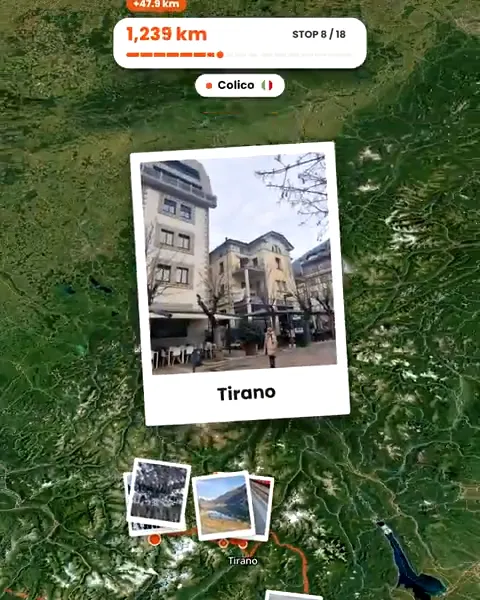
Your trip page shows the stops and photos you kept, with the route between them.
Photos instead of tracking
Tracking apps record where you are all day, often in the background, and turn that into a map. Troven works the other way around: the map comes from the photos you decide to share, after the trip. Where you did not take a photo, there is no point on the map, unless you add a stop yourself.
That also means you can make a map of a trip from years ago, long after any tracking would have been possible.
What a published map shows
- Each stop, named after the place.
- The route between stops, drawn along roads or as arcs for flights.
- A marker for every photo at the spot it was taken.
- Your photos, your story and your tips.
A public trip has its own link, open to anyone. Treat it like any post: make public only what you are happy for anyone to see.
Keeping sensitive places off the map
- Leave out photos taken at home, at friends’ houses or anywhere you would not want pinned.
- Delete a stop you do not want on the route before you publish.
- Check photos from friends, including the ones your Travel Buddies add, since their locations become part of your map.
- Remember the location is exact: a photo’s marker sits where it was taken, not at a rough area.
Your data
Troven reads the date and place from your photos in your browser when you pick them. At sign-up it records your approximate country and city, not your IP address. From Settings you can export your data or delete your account.
Questions, answered
Does Troven track my location?
Who can see my trip?
Can I hide the exact location of a photo?
Can I delete a trip or my account?

Your photos already hold the trip.
Upload them and see your route, map and itinerary come together. Free on the web.
Keep reading
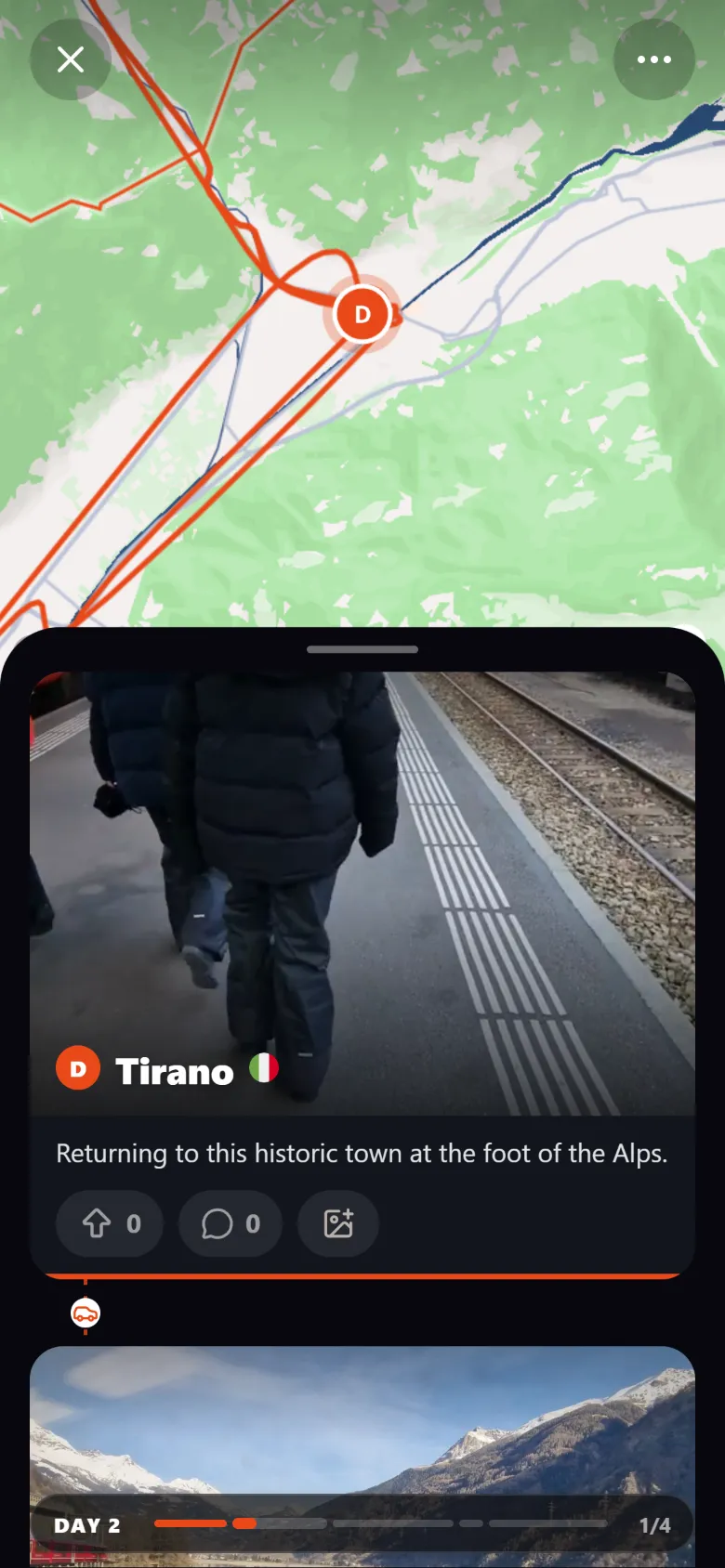 ProductCreate an interactive travel map from your photosTroven reads the location saved in your trip photos and builds an interactive travel map with your route, your stops and your photos. Free on the web.
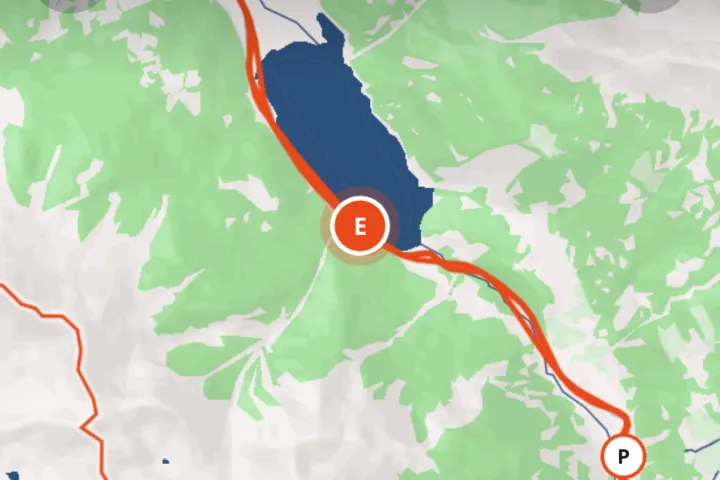 GuideHow to create a travel map from your photosYour photos already know where you were. How to turn them into an interactive travel map with your route, stops and photos, without tracking the trip.
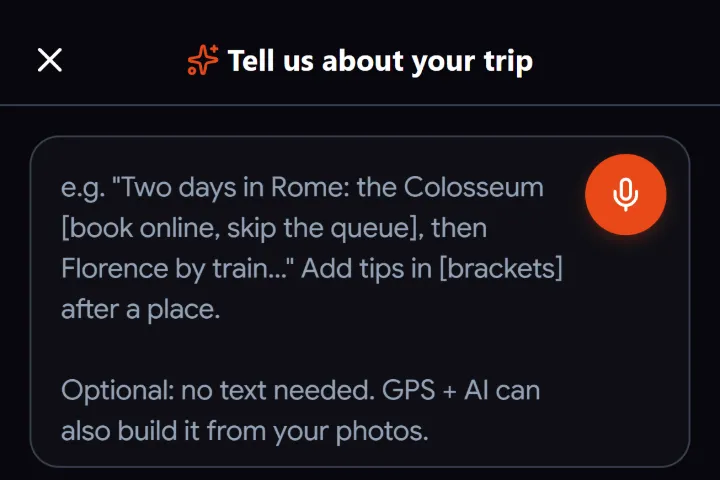 GuideWhat to do when travel photos have no GPS dataWhy some travel photos have no location, how to check, and four ways to still get them on your trip map, from time matching to AI place recognition.